

Earnnest App Set Up
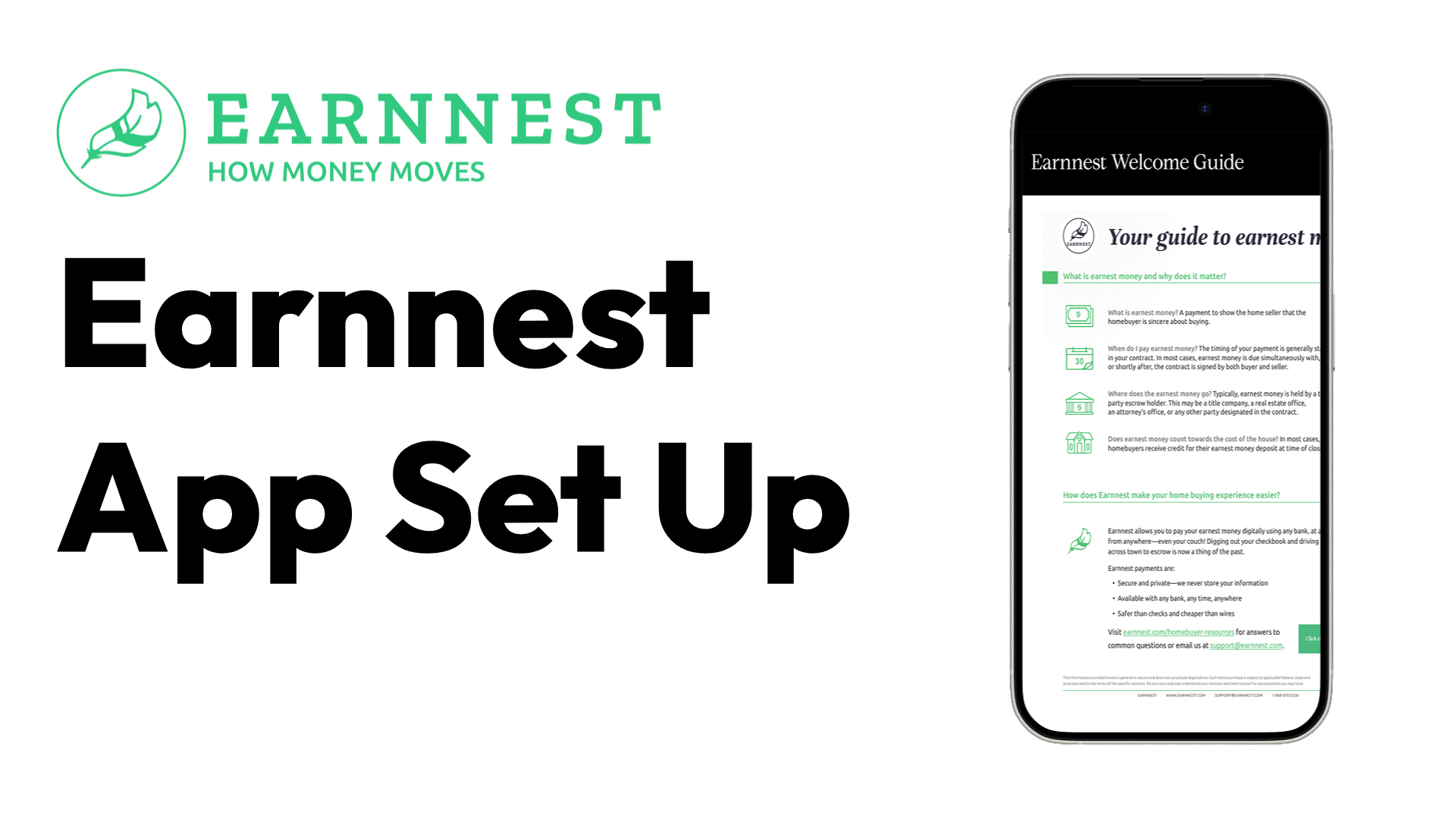
Use this guide to set up your own Earnnest account so you can send deposit requests, track payment status, and download receipts without waiting on admin/Compass processing.
Download instructions: Click the Download button below. You’ll be taken to the Google Drive folder where the Earnnest setup guide is stored. You must be logged in with your Compass email to access and download the file.
Quick Links
Earnnest Website — Overview of Earnnest, what it does, and how the platform handles earnest money payments end-to-end.
Phone App Page — App features and download info so you can manage requests, statuses, and receipts from your phone.
Web-based Login — Desktop login for sending requests, tracking payments, and downloading receipts.
How-to videos
Send a request to your Buyer — Step-by-step walkthrough for creating and sending an earnest money request to a buyer.
Start a request as a Listing Agent — How to initiate an earnest money request from the listing side and monitor completion.
How a buyer completes their payment — Buyer-facing walkthrough showing how they submit payment and confirm completion.
